Laptop Displays Explained: Why Your Screen Matters More Than You Think
By James Auble
Jan 14, 2026
Laptop Displays Explained
(Why Your Screen Matters More Than You Think)
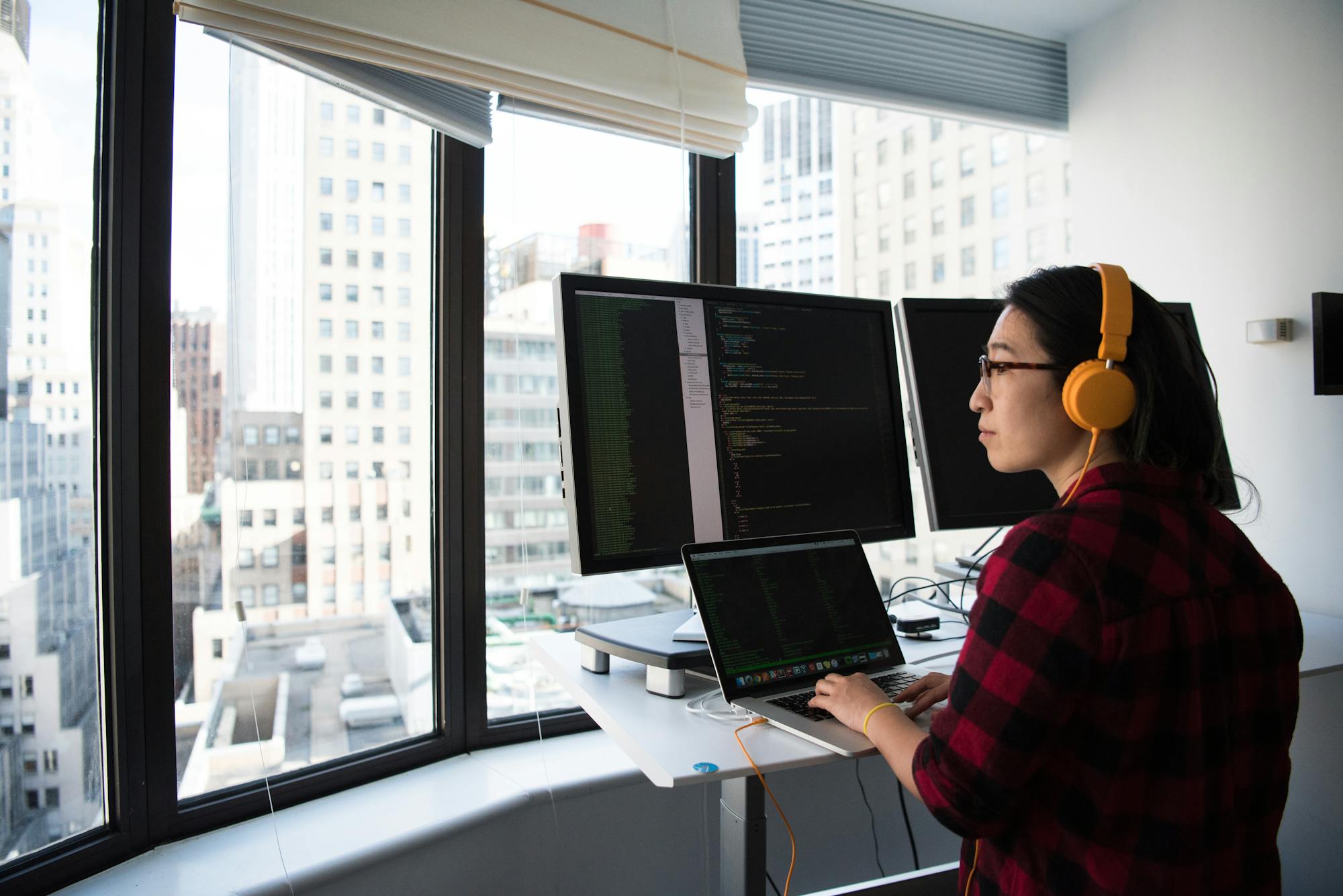
For remote workers, the laptop screen isn’t just a component—it’s the place where most of the day happens.
You can forgive a slightly slower processor. You can work around limited ports. But a bad display follows you everywhere: cafés, flights, home offices, coworking spaces. Over time, it affects focus, eye strain, and even how long you can comfortably work.
Understanding display types makes it much easier to choose a laptop you’ll actually enjoy using.
🧮 Resolution: FHD, QHD, UHD (and Why the Letters Matter)

Full HD (FHD / 1080p)
- Resolution: 1920 × 1080
- Common on mid-range laptops
FHD is perfectly usable and still very common. Text is readable, battery life is solid, and costs stay reasonable. For spreadsheets, email, and general browsing, it’s fine.
Where it falls short: long reading sessions, dense interfaces, and design work.
QHD / 2K
- Resolution: ~2560 × 1440
- Less common, often a “sweet spot”
QHD offers noticeably sharper text without the battery hit of 4K. Many remote workers find this to be the most balanced option if available.
UHD / 4K
- Resolution: 3840 × 2160
- Extremely sharp, especially on 15–16″ screens
UHD looks incredible—but it’s not free. Higher cost, more battery drain, and diminishing returns on smaller screens. Best for designers, photographers, and anyone working with detailed visuals.
🔍 HiDPI: The Quiet Upgrade You Actually Feel
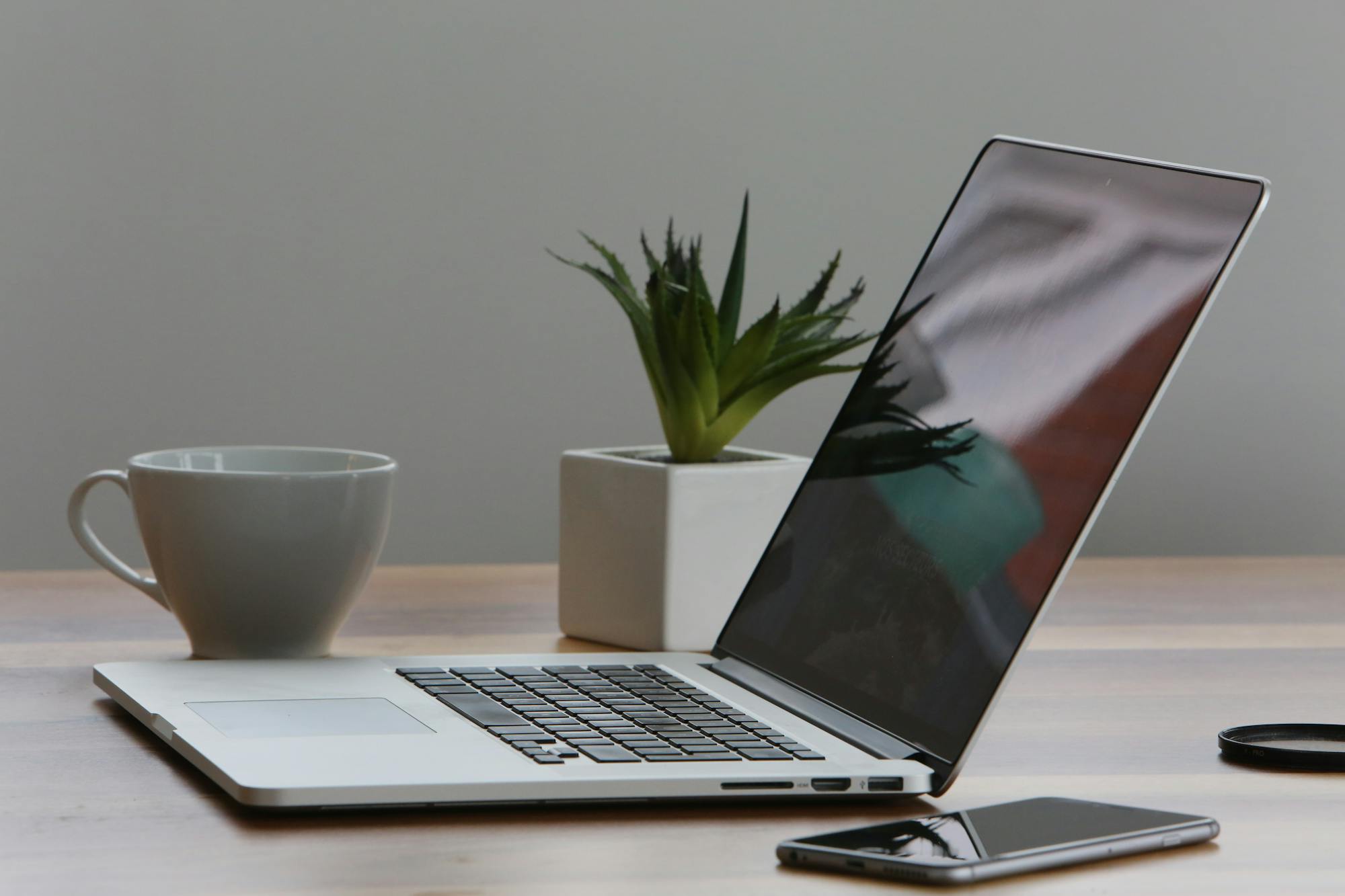
HiDPI isn’t a resolution—it’s an experience.
It refers to displays with enough pixel density that individual pixels disappear. Text looks printed. UI elements feel smoother. After using HiDPI for a while, going back feels… rough.
This matters a lot if you:
- Read or write for hours
- Code all day
- Stare at text-heavy interfaces
Many people don’t realize how much eye strain they’ve been tolerating until they switch.
🎨 Color Gamuts: sRGB, DCI-P3, AdobeRGB

Color gamut determines how many colors a display can show.
sRGB
- The baseline standard
- Fine for general work
If a laptop covers close to 100% sRGB, it’s solid for most remote work.
DCI-P3
- Wider, richer color range
- Common on higher-end laptops
This is where screens start to look noticeably better—more depth, better contrast, more accurate skin tones.
AdobeRGB
- Mostly for professional photo work
Overkill for most people, but essential if color accuracy is your livelihood.
For designers and creatives, color gamut matters as much as resolution—sometimes more.
💡 Brightness, Glossy vs Matte, and Real Life
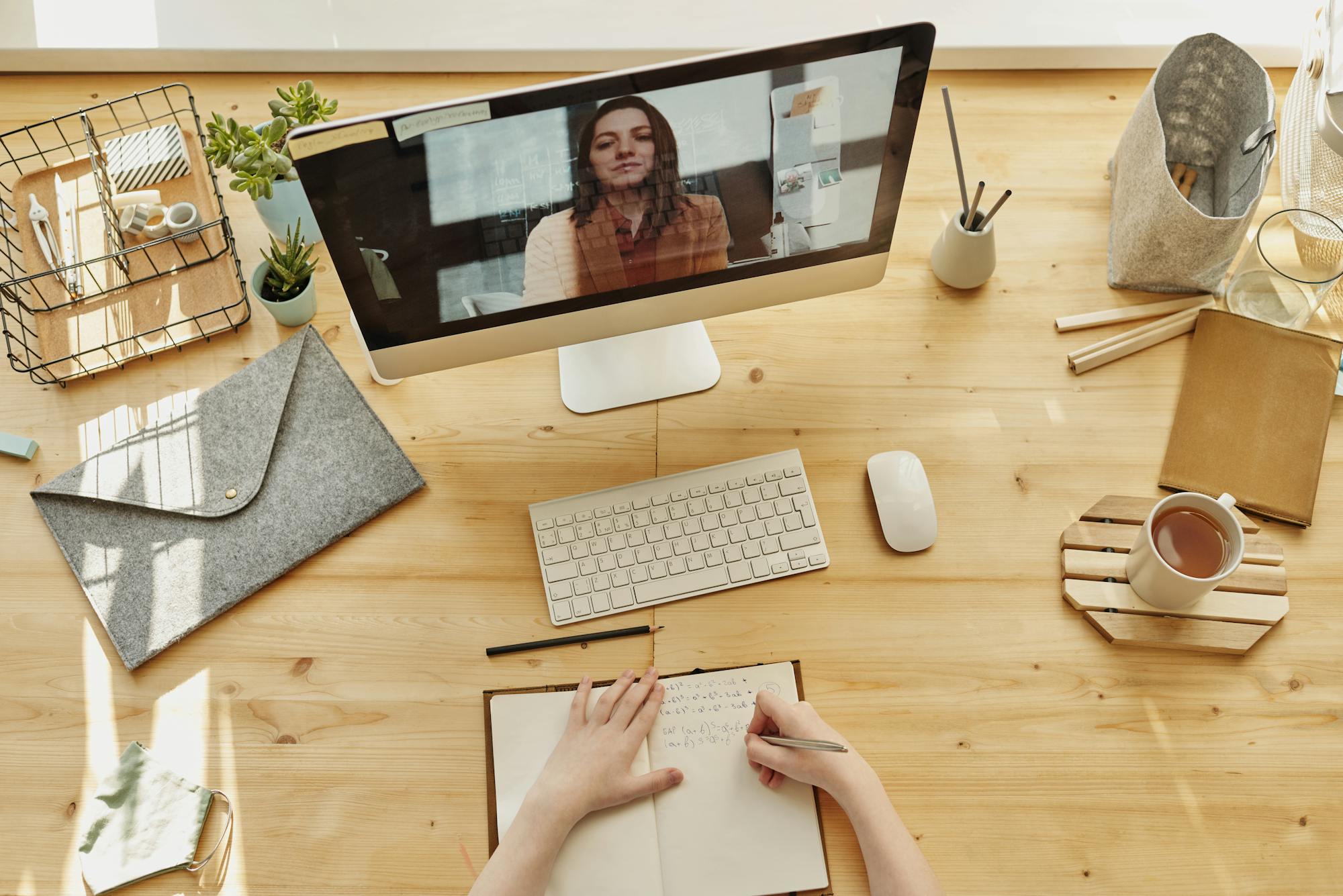
- Brightness: Look for at least 400 nits if you work near windows or outdoors
- Glossy screens: Better contrast, more reflections
- Matte screens: Less glare, easier on the eyes
Remote workers often underestimate brightness until they try working in a café at noon.
🏆 Laptops Known for Great Displays (and the Price Reality)
Laptops with consistently excellent displays tend to fall into higher price tiers.
- Premium ultraportables and creator laptops often start around $1,500–$2,000
- Top-tier displays with high resolution and wide color gamuts can push prices well beyond $2,500
Mid-range laptops can still look good—but truly great screens are one of the first places manufacturers cut costs.
💸 What You’re Really Paying For
When you pay more for a display, you’re not just buying pixels. You’re buying:
- Reduced eye strain
- Better focus
- More comfortable long sessions
- A screen that doesn’t fight you all day
For remote workers, that’s not luxury—it’s ergonomics.
🧠 The Screen You’ll Spend the Most Time With
A laptop display isn’t flashy in spec sheets, but it quietly shapes every workday.
If you’re choosing where to spend your budget, prioritize the screen over almost everything else. Processors change. Storage can be upgraded. But a good display is something you feel every single time you open the lid.
And once you’ve worked on a truly great one, it’s very hard to go back.